Clientager WordPress plugin
The AI chatbot plugin for WordPress and WooCommerce
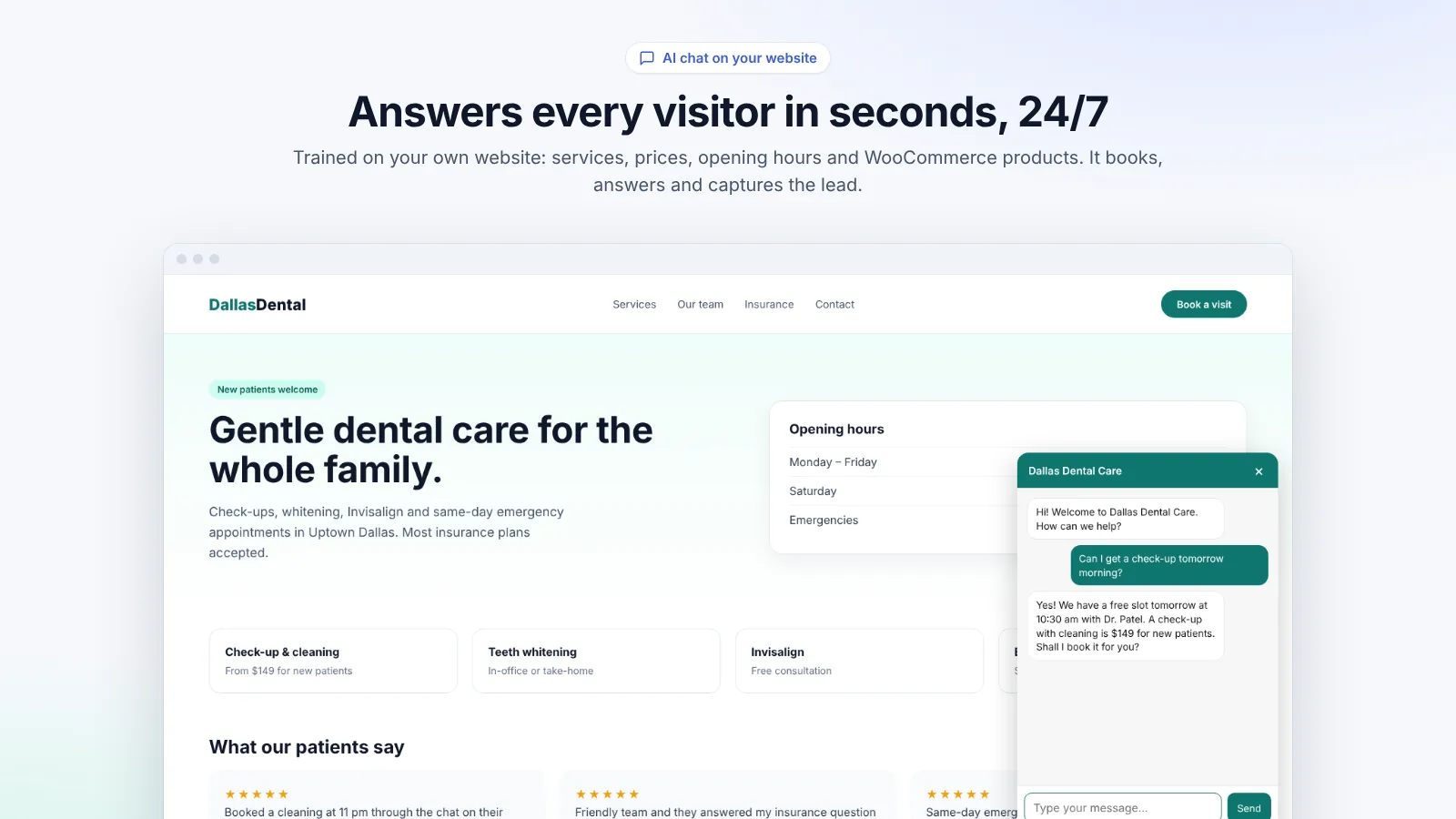
Install it, let it read your site for a minute, and it answers your visitors day and night: services, prices, products and orders, in 45 languages. Every lead, request and chat is saved in WordPress.
Free in the WordPress.org plugin directory. 7-day free trial, no card.
What it does
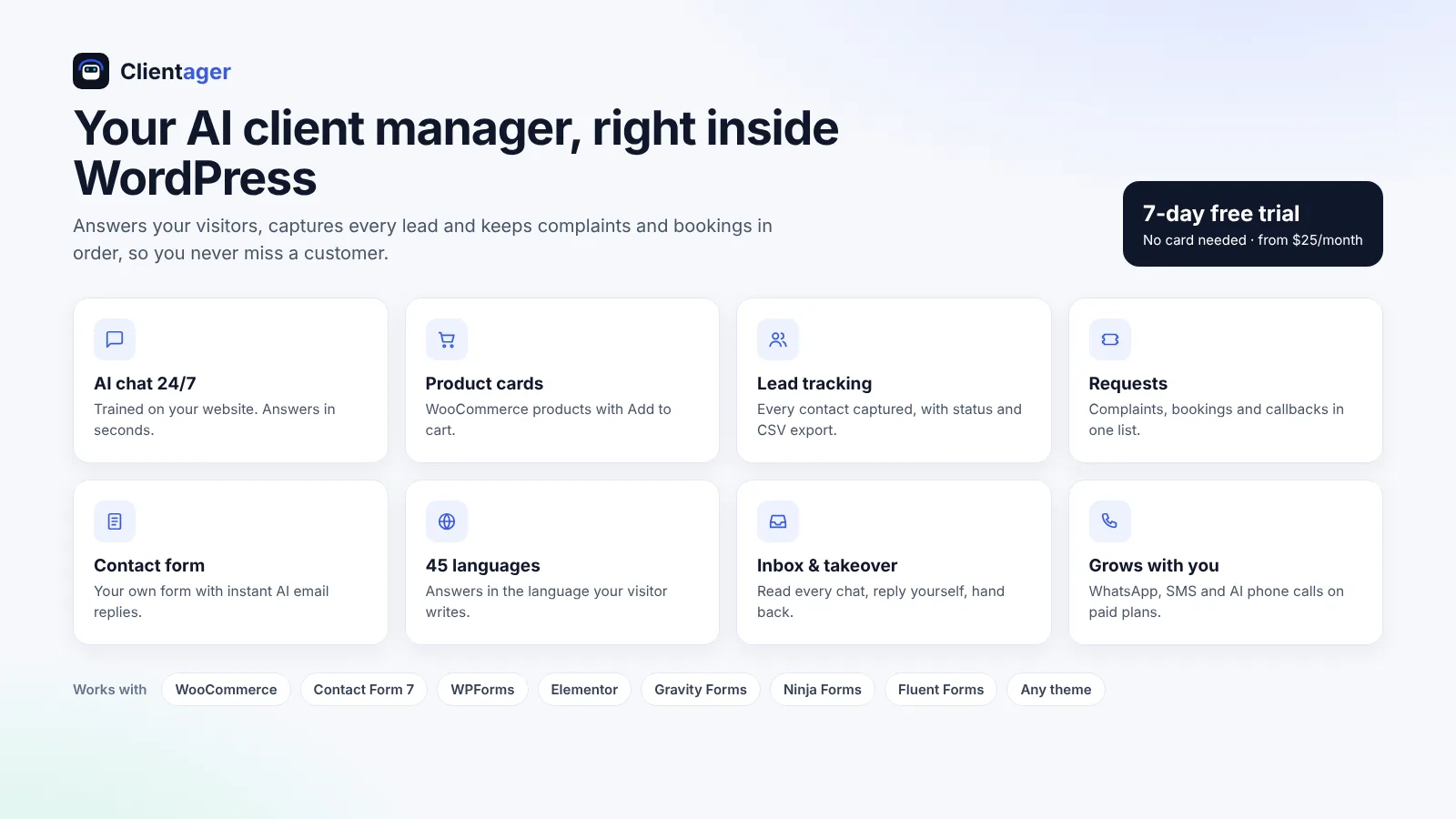
Learns your site in minutes
Pages, posts and WooCommerce products, kept up to date a minute after you save. No prompts, no API keys.
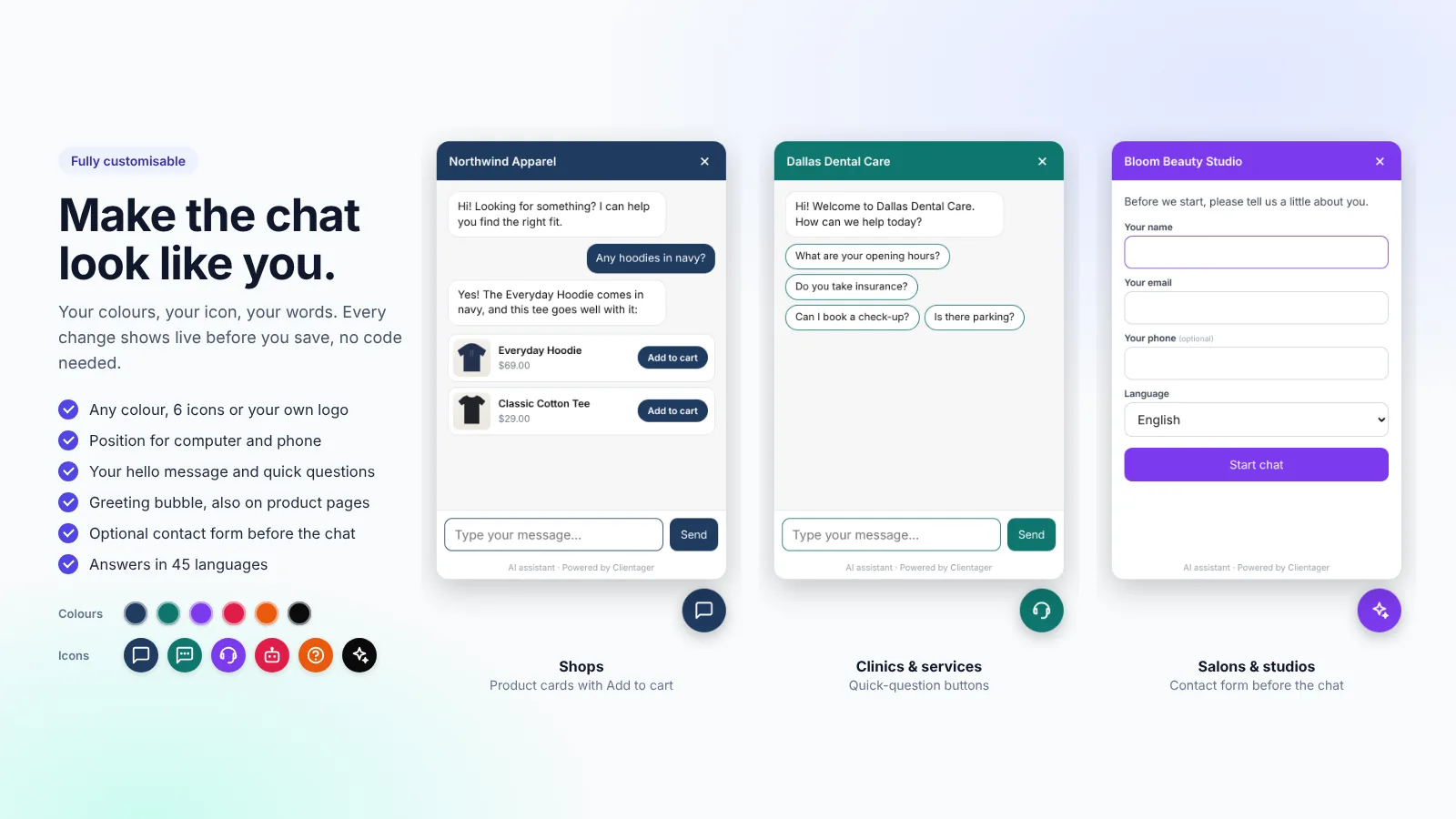
Product cards with Add to cart
WooCommerce products with photo and price in the chat; understands colours, sizes and everyday words.
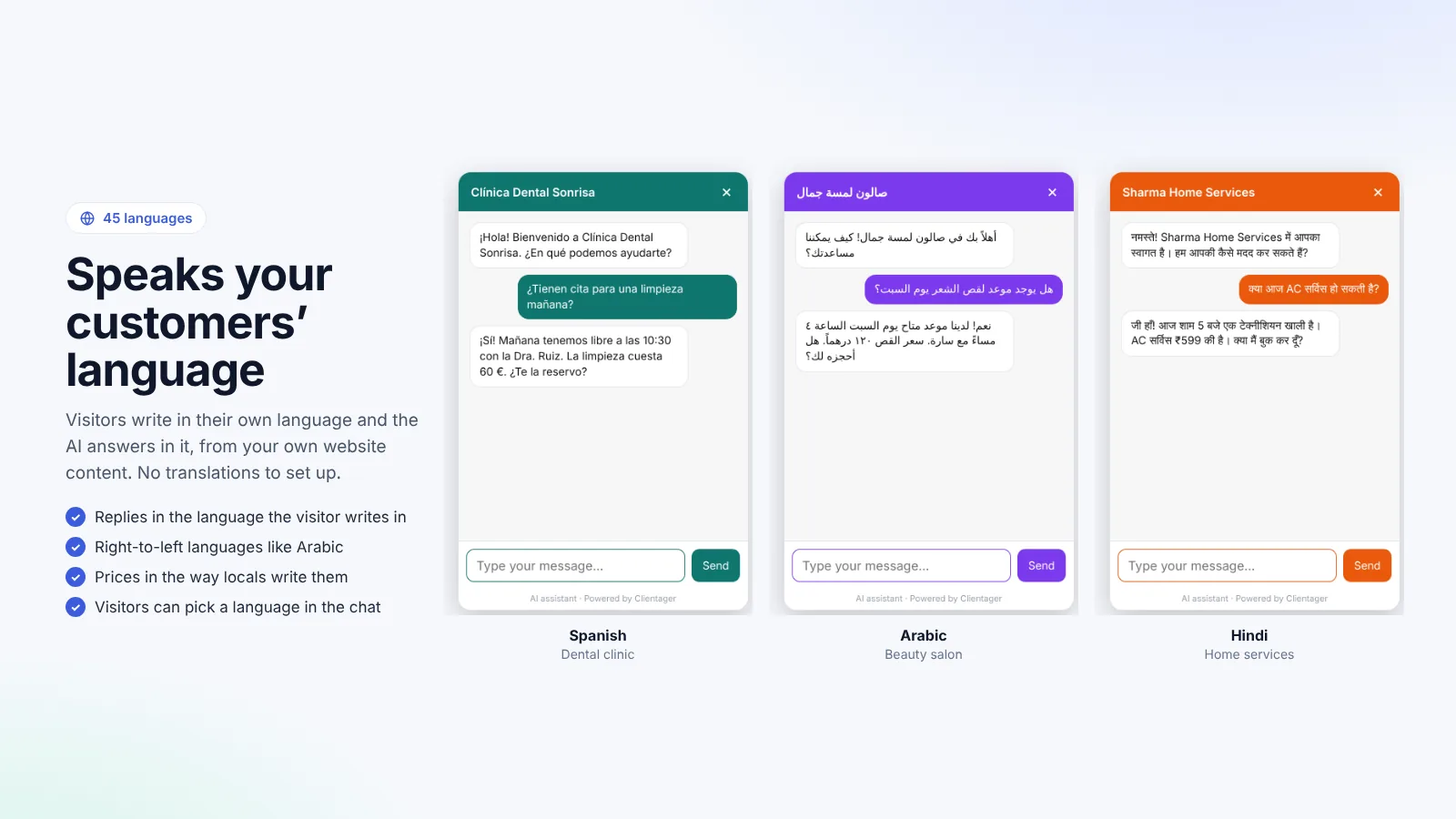
45 languages
Answers in the visitor's language from your existing content, with right-to-left layout for Arabic and Urdu.
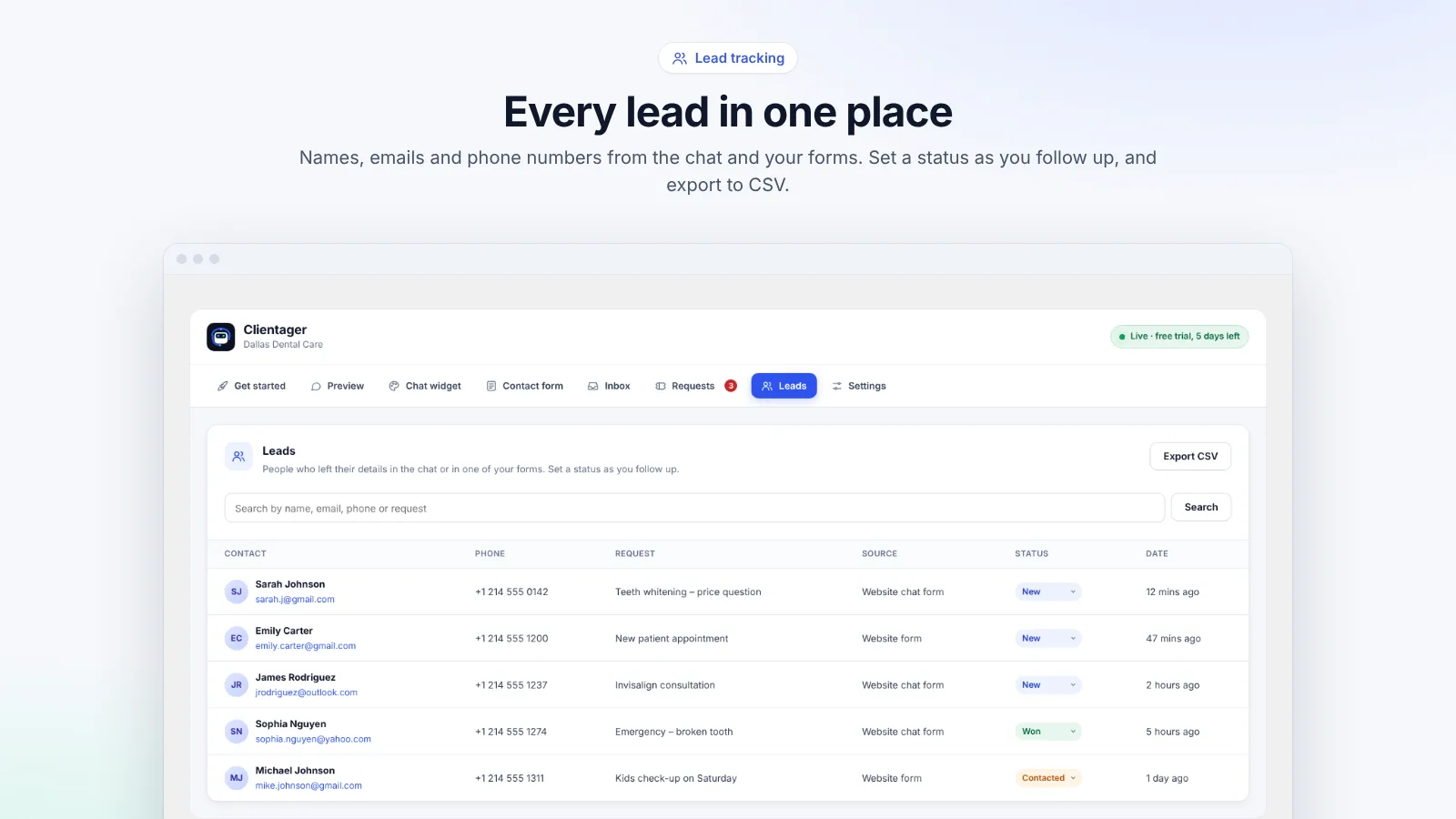
Leads and alerts
Contact details from chats and forms become leads, with email alerts, status and CSV export.
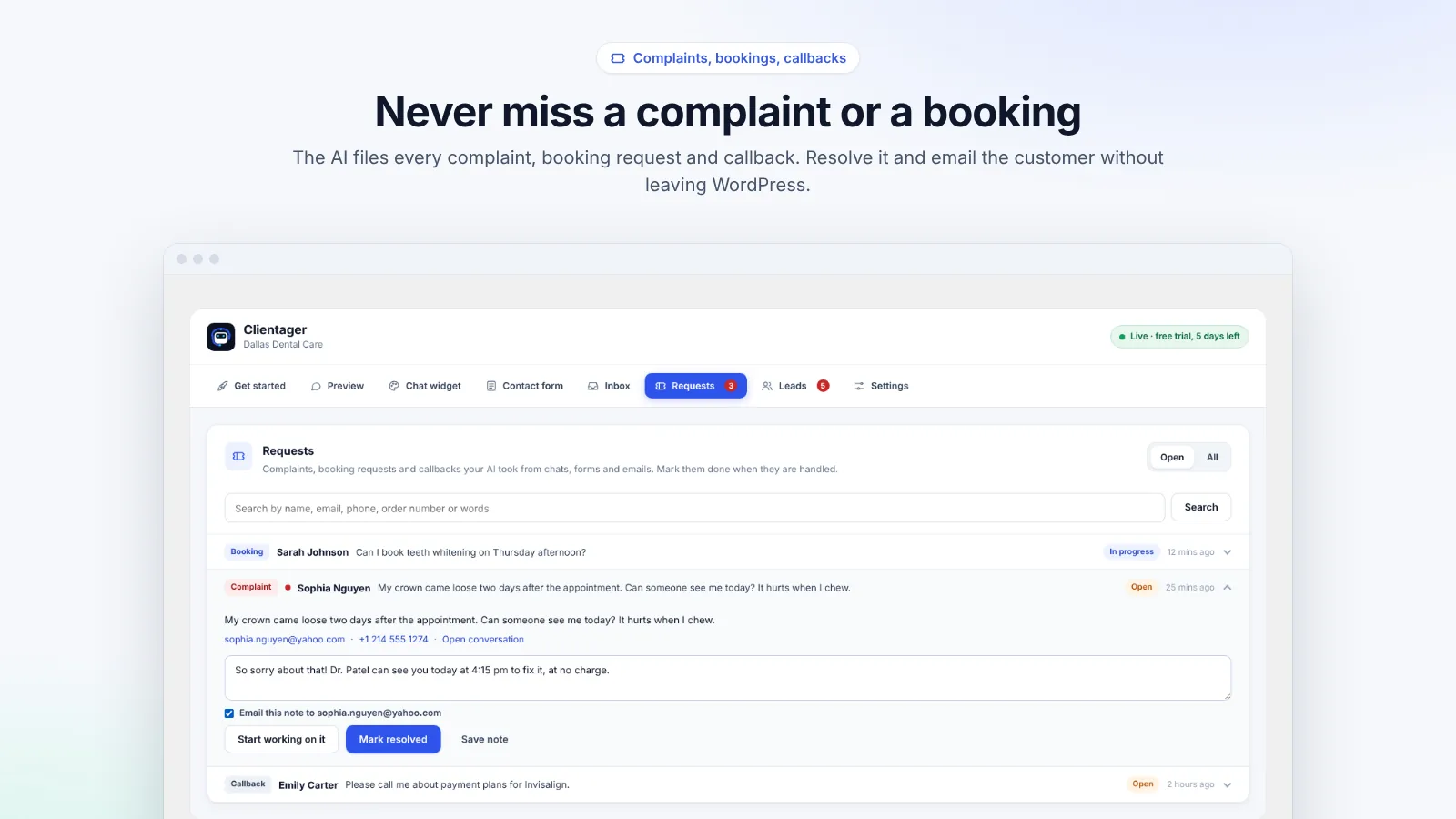
Requests
Complaints, booking requests and callbacks in one list; add notes and email the customer from WordPress.
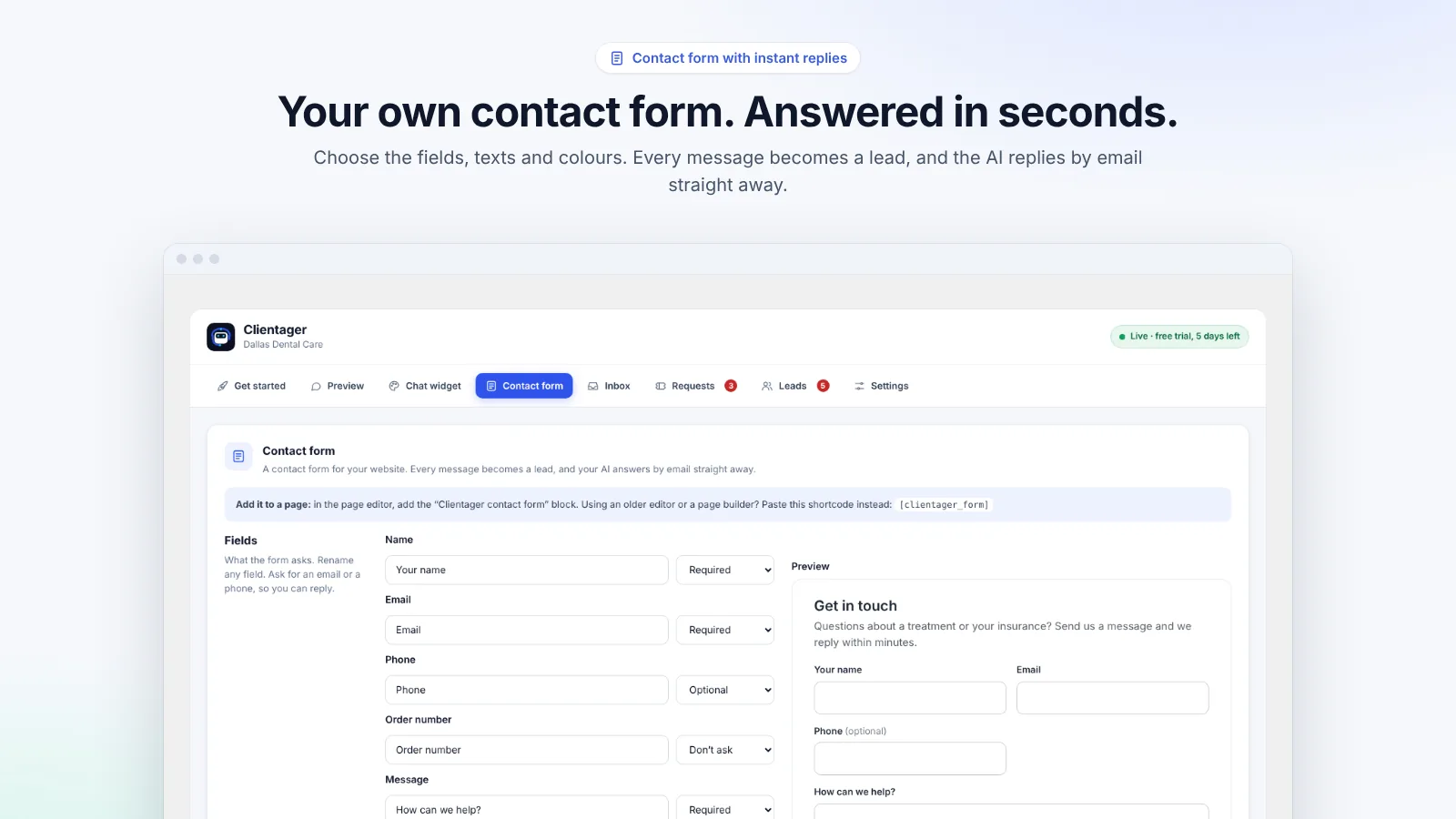
AI replies to your forms
Contact Form 7, WPForms, Gravity Forms, Elementor and more, or the built-in Clientager contact form.
Inbox with human takeover
Read every chat, reply yourself and hand it back to the AI.
Make it yours
Colour, icon or logo, position on computer and phone, greetings and quick questions, with a live preview.
Sales made by AI
See WooCommerce orders and revenue from shoppers who chatted first.
See it
How to set it up
- 1Download the plugin and upload it under Plugins → Add New → Upload Plugin, then activate it.
- 2Open Clientager in the WordPress menu, enter your email and type the 6-digit code we send you.
- 3Click Learn my website. The AI reads your published pages, posts and products in a minute or two.
- 4Ask it your customers' usual questions in the Preview tab (25 free test messages).
- 5Start the 7-day free trial, no card needed: the chat goes live on every page. Choose a plan to keep it running.
WordPress guides
Questions
Is the plugin free?
The plugin is free to install, with 25 free test messages and a 7-day free trial without a card. Plans start at $25 a month, including 500 AI conversations and 500 AI emails.
Is it on WordPress.org?
The listing is in review on WordPress.org. Until it is approved, download the plugin here and upload it in WordPress; it works exactly the same, and updates will come through WordPress.org once listed.
Does it need an OpenAI key?
No. The AI is included in every plan.
Does it work with any theme?
Yes, and with page builders such as Elementor, Divi and the block editor.
What happens after the trial?
If you choose a plan, nothing changes. If not, the chat switches itself off and your settings are kept.
Want this for your business?
Try it free for 7 days, no card needed: AI website chat, WhatsApp and email, trained on your own website. AI phone calls come with paid plans.