WordPress guide
Instant AI replies to your WordPress contact forms
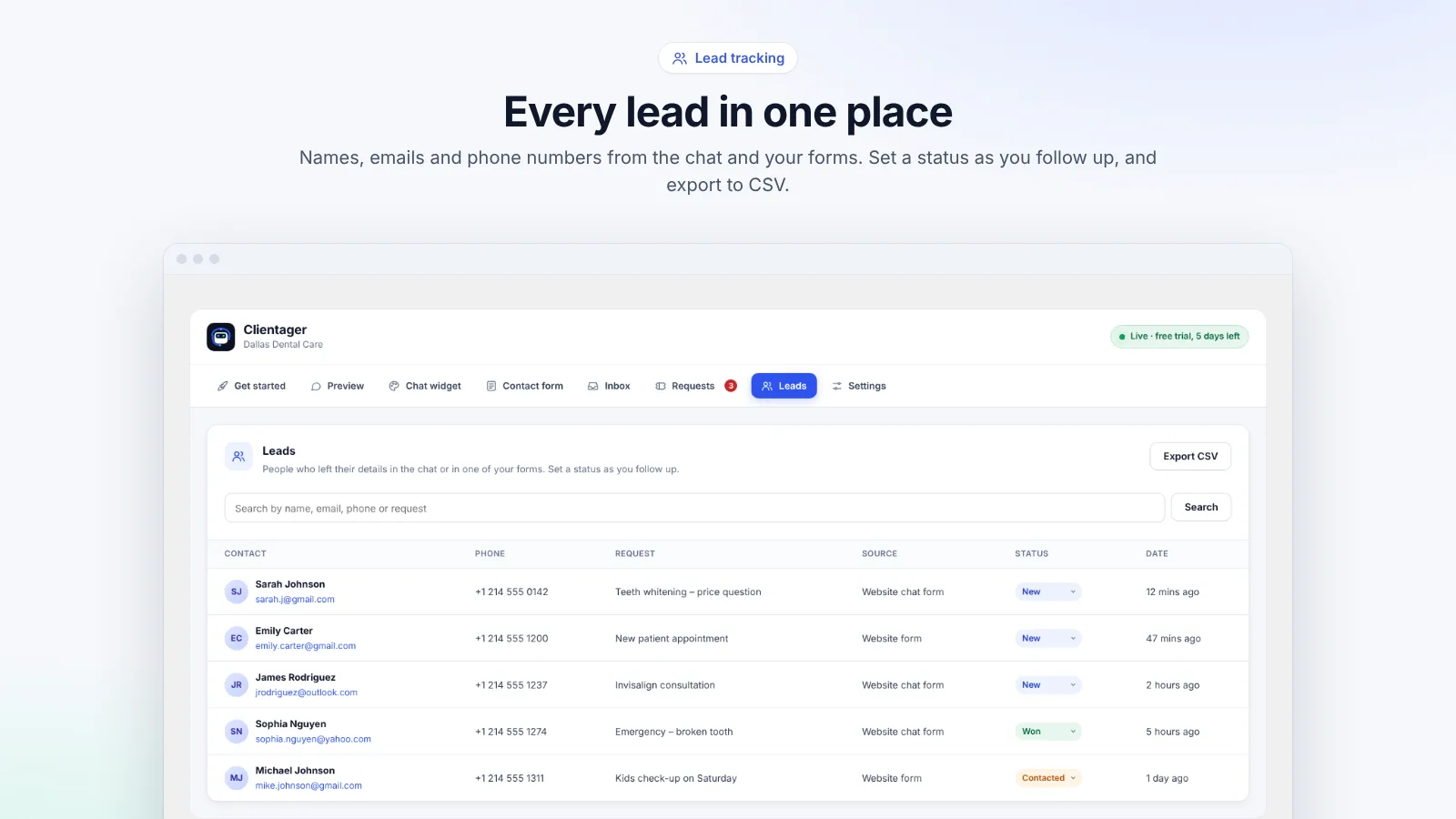
Every form submission gets a personal answer by email within seconds, and becomes a lead you can follow up.
Hear it now: call our AI on +1 209-209-4303
Free in the WordPress.org plugin directory. 7-day free trial, no card.
Quick answer
Can WordPress contact form submissions get an automatic AI reply?
Yes. Clientager picks up submissions from Contact Form 7, WPForms, Elementor Pro Forms, Gravity Forms, Ninja Forms, Fluent Forms, Jetpack Forms, Forminator and Formidable Forms. Each one becomes a lead, and on a plan or trial the AI writes a personal reply that answers the question from your own content and sends it by email within seconds. You can also use the built-in Clientager contact form.
Why form replies matter
Someone who fills in your form is usually comparing a few businesses. The one that replies first with a real answer often wins, and a generic "thanks, we'll be in touch" does not count. Replying properly within minutes, every time, including evenings and weekends, is hard by hand.
Which forms are supported
If one of these form plugins is installed, its forms are picked up automatically, with no changes to the forms themselves. Settings shows which ones were found on your site.
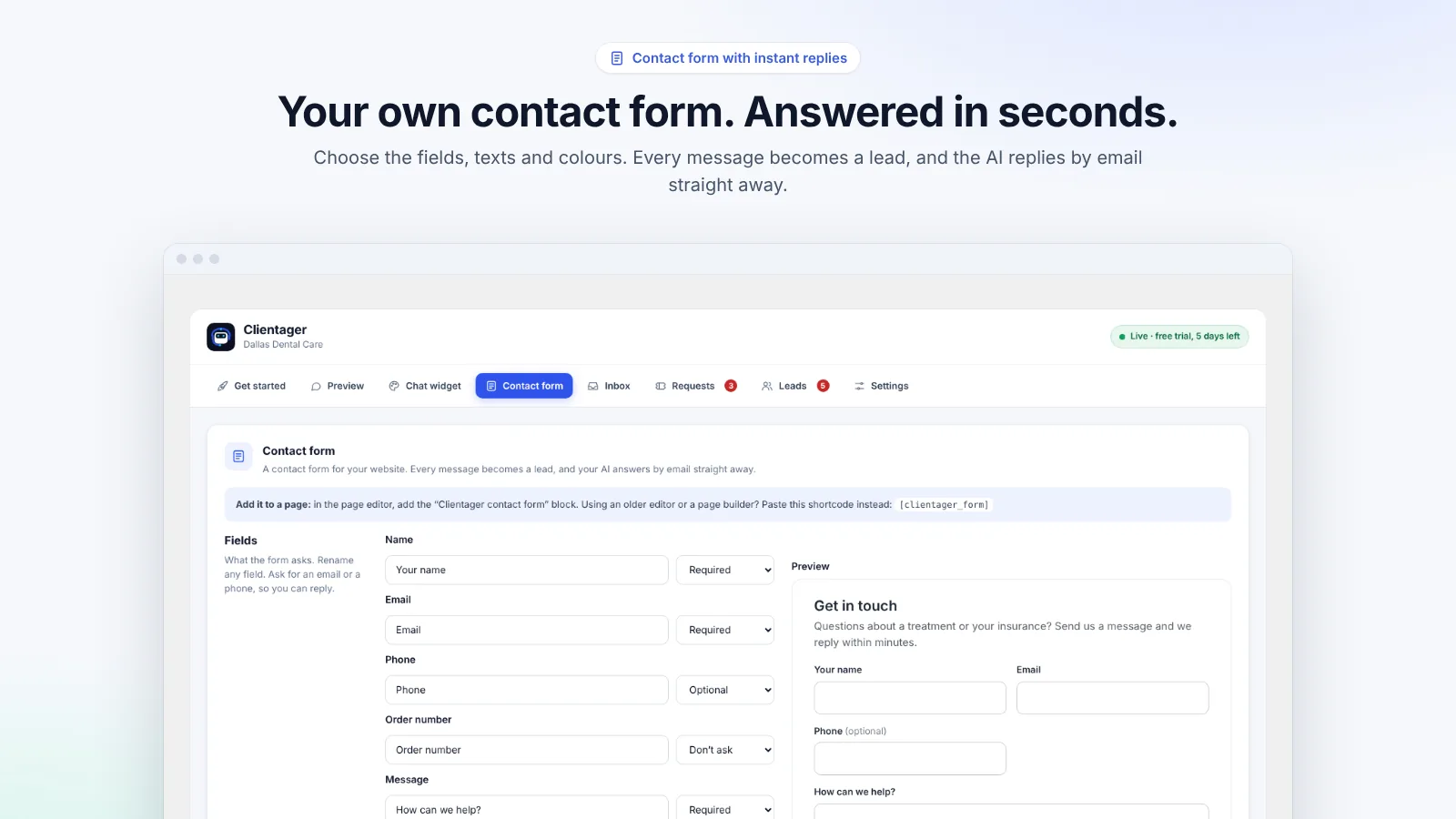
If you do not use a form plugin, add the Clientager contact form: a block in the editor or the [clientager_form] shortcode. You choose the fields (name, email, phone, order number, message), their labels, the button and thank-you texts, and the look, with a live preview.
- Contact Form 7
- WPForms
- Elementor Pro Forms
- Gravity Forms
- Ninja Forms
- Fluent Forms
- Jetpack Forms
- Forminator
- Formidable Forms
What the reply looks like
The AI reads the message, answers the actual question from your pages and products, and signs off the way you choose, with your logo at the top. Complaints and booking requests are also saved in Requests so your team can follow up. Each AI email counts toward your plan's AI emails (500 a month on Lite, 1,000 on Starter).
By default replies come from Clientager's sending address with your business name, and the customer can reply straight to you. To send from your own address, such as hello@yourdomain.com, add your domain in the dashboard and verify it once.
Frequently asked questions
Do I need to change my existing forms?
No. Supported form plugins are detected automatically and their forms keep working exactly as before.
Can I turn off the AI reply but keep the leads?
Yes. Submissions still become leads; the instant AI reply is part of a plan or trial and can be managed in the dashboard.
Will the reply ever make things up?
No. It answers from your own content. If the answer is not there, it says the team will follow up.
Can replies come from my own email address?
Yes. Add and verify your domain once in the Clientager dashboard and replies are sent from your address.
More WordPress guides
Want this for your business?
Try it free for 7 days, no card needed: AI website chat, WhatsApp and email, trained on your own website. AI phone calls come with paid plans.