WordPress guide
Train an AI chatbot on your own WordPress content
Answers come from your published pages, posts and products, and stay current when you edit them.
Hear it now: call our AI on +1 209-209-4303
Free in the WordPress.org plugin directory. 7-day free trial, no card.
Quick answer
How do I train a chatbot on my WordPress website?
With Clientager you do not train anything by hand. After you connect, the plugin sends your published pages, posts and WooCommerce products to the AI, which builds its knowledge from them. It answers from that content only, never inventing prices or policies. When you save a page, post or product, it updates itself about a minute later; Update now refreshes everything at once.
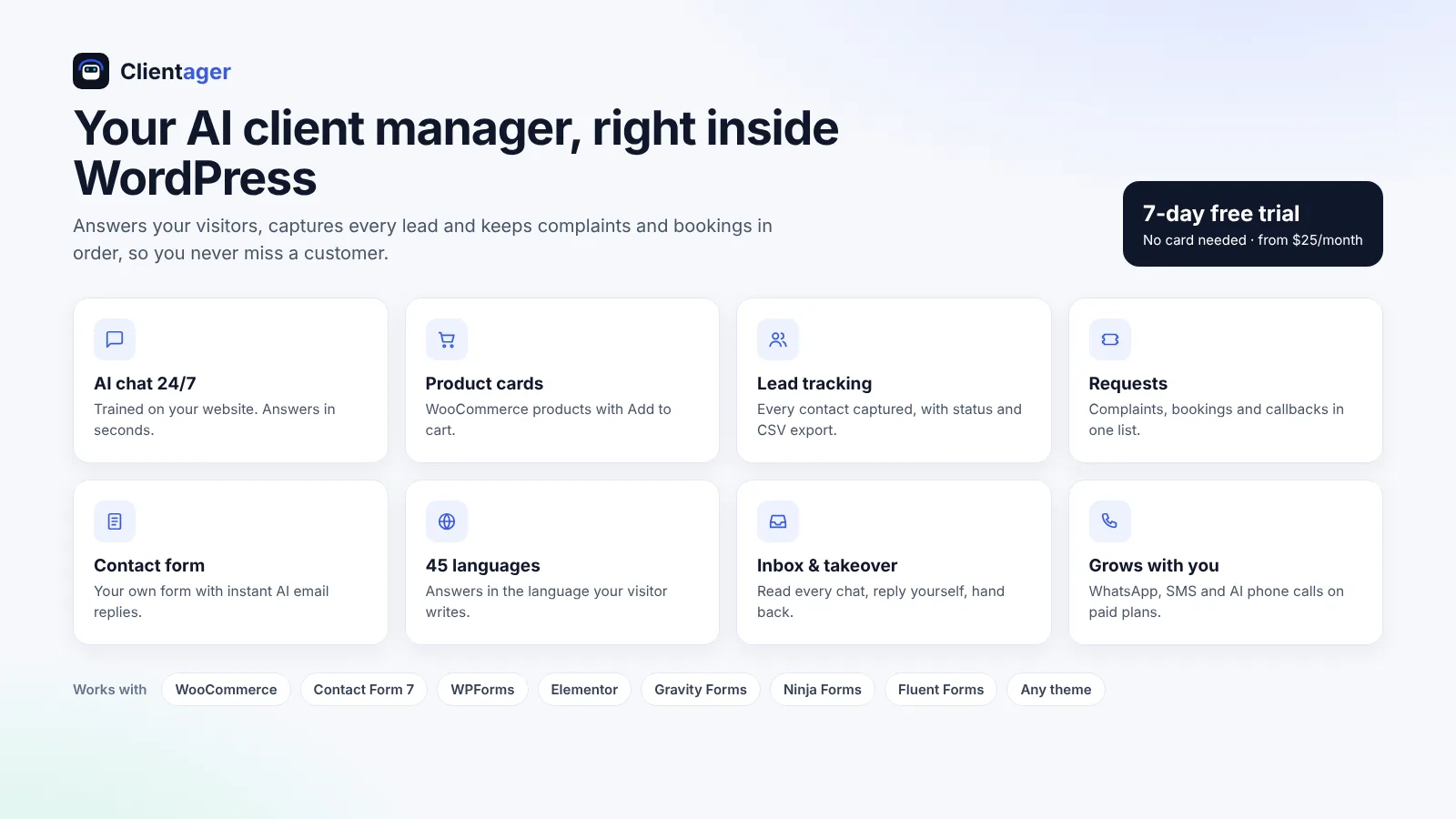
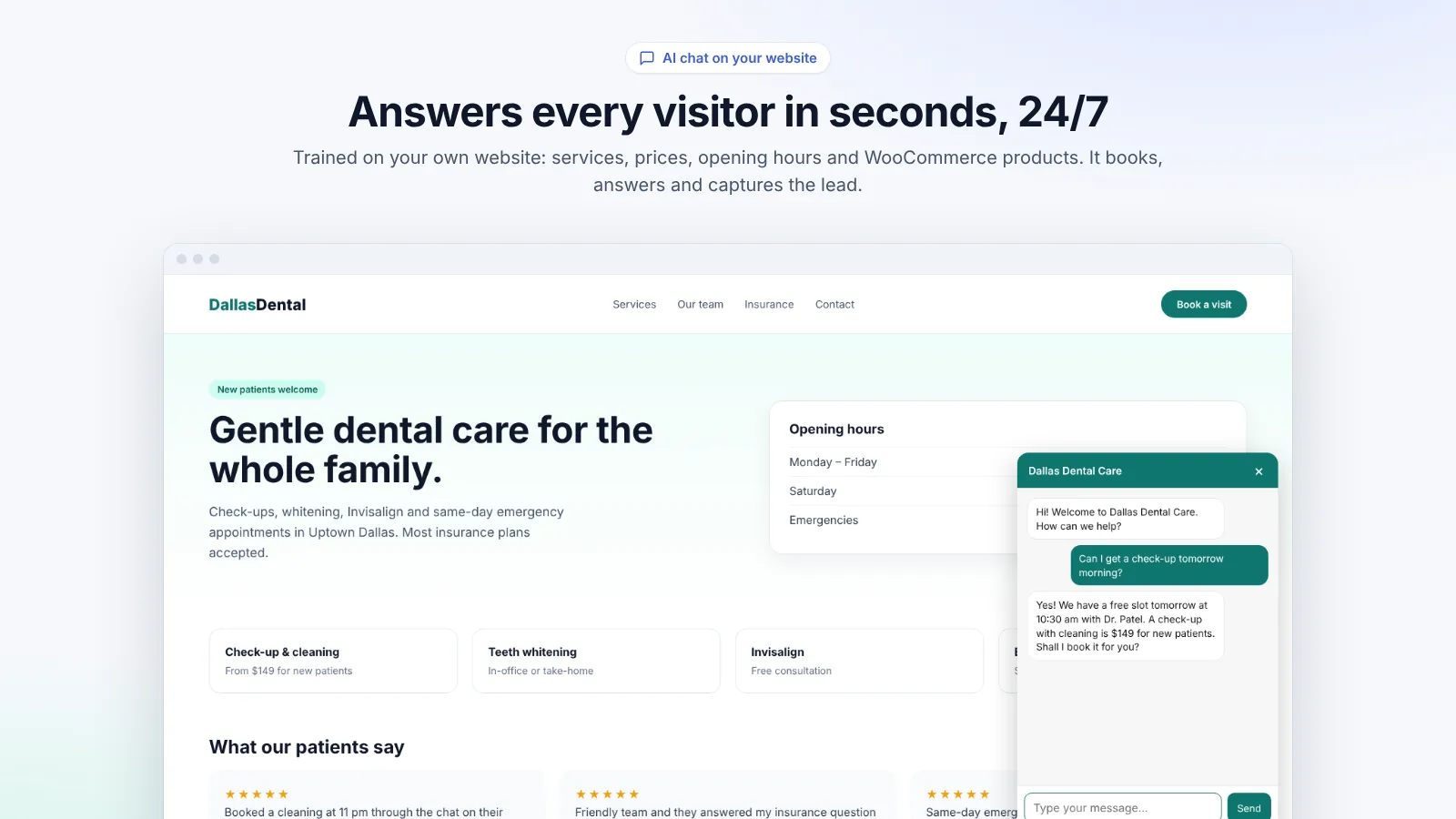
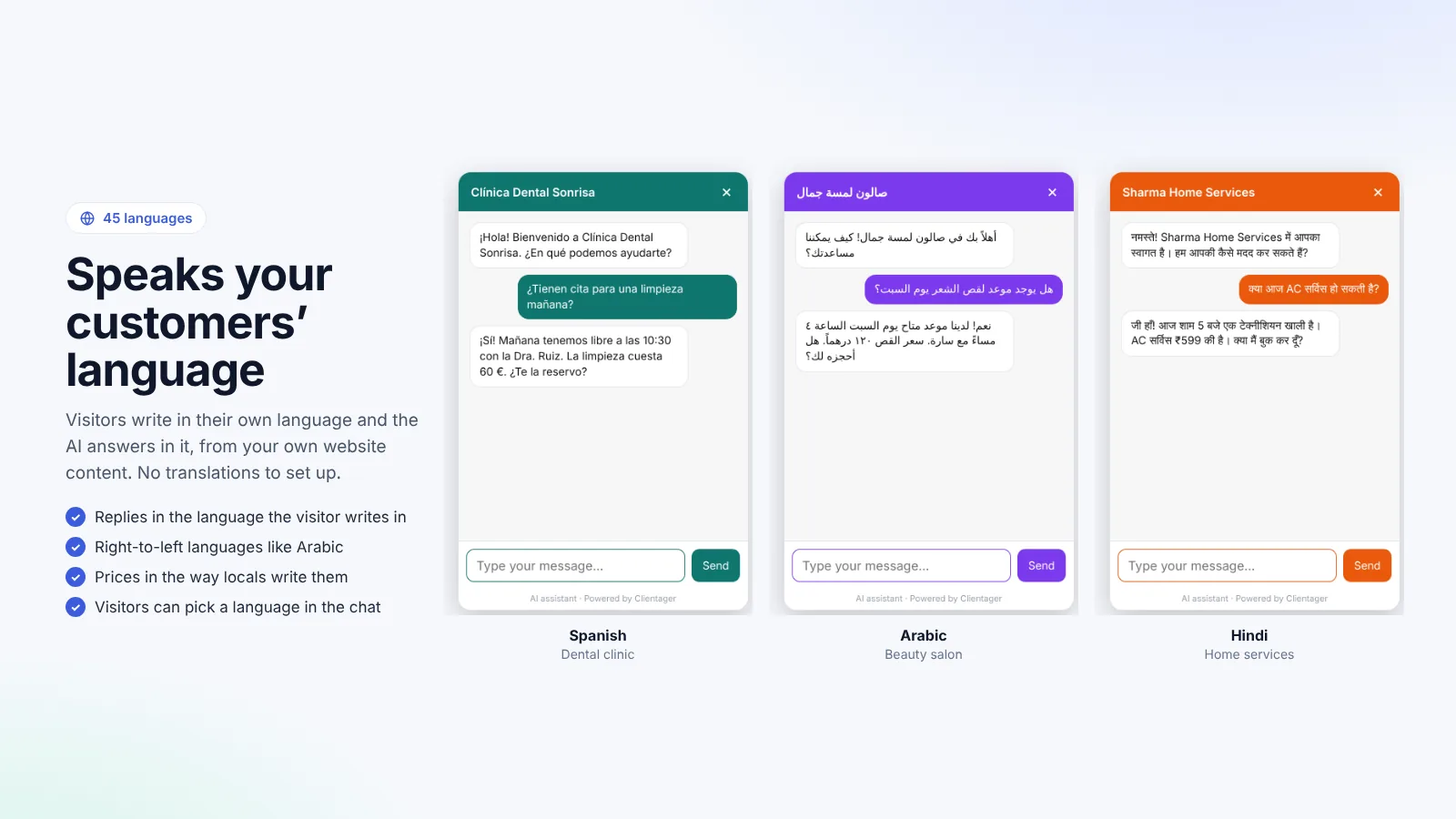
What the AI learns from your site
Your published pages and posts (services, prices, opening hours, FAQs, policies, contact details) and, if you run WooCommerce, your products with prices, stock, categories, tags and attributes. Drafts, private pages and admin content are never sent. Big sites are summarised so everything fits: the AI looks up the parts that match each question rather than reading everything every time.
How much it learns depends on your plan: 20 pages and 100 products on Lite, 50 pages and 300 products on Starter, 150 pages and 1,000 products on Growth, and 500 pages and 5,000 products on Scale. Settings shows how many pages and products it has learned and when it last updated.
Why answers stay accurate
The assistant is instructed to quote prices, times, stock and policies only from your content. If the answer is not there, it says it will check with the team instead of guessing, and offers to take the visitor's details. For products, it only mentions items that exist in your catalogue and never claims a colour or size that is not listed.
Keeping it up to date
During the free trial and on every plan, auto-update is on: about a minute after you save a page, post or product, the AI knows the change. After a big redesign, press Update now in Settings to refresh everything at once. Test the result in Preview before visitors see it.
- Auto-update a minute after you save
- Update now for big changes
- Only published content is used
- Plan limits shown in Settings
Frequently asked questions
Can I add information that is not on my website?
The simplest way is to add it to a page (for example an FAQ page). The AI learns it within a minute. On plans with the full dashboard you can also add knowledge there.
Does it read my WooCommerce orders or customer data?
No. It learns products, pages and posts. Customer and order data are not sent to train the AI.
What happens if my site has more pages than my plan allows?
It learns up to your plan's limit, most important first, and Settings shows how many it learned. Upgrading raises the limit.
Is my content used to train AI models?
No. Your content is used only to answer your own visitors. It is not used to train any AI model.
More WordPress guides
Want this for your business?
Try it free for 7 days, no card needed: AI website chat, WhatsApp and email, trained on your own website. AI phone calls come with paid plans.