WordPress guide
How to choose an AI chatbot plugin for WordPress
Eight questions to ask before you install anything, and how Clientager answers each one.
Hear it now: call our AI on +1 209-209-4303
Free in the WordPress.org plugin directory. 7-day free trial, no card.
Quick answer
What should I look for in a WordPress AI chatbot plugin?
Check that it answers only from your own content, sets up without code or API keys, has a clear all-in price (no separate AI bill), supports your visitors' languages, captures leads and requests, lets you take over chats, keeps working when you edit your site, and tells visitors it is an AI. A free preview or trial lets you test answers before going live.
The checklist
Use these questions to compare any plugins on your shortlist. The right answer depends on your business, but a good chatbot should do well on all of them.
- Accuracy: does it answer only from your content and admit when it does not know?
- Set-up: can you go live without code, prompts or API keys?
- True cost: is the AI included, or will you get a separate bill from an AI provider?
- Languages: does it answer in your visitors' languages?
- Leads and requests: does it save contact details, complaints and callbacks somewhere useful?
- Human takeover: can you read chats and reply yourself?
- Freshness: does it update when you change pages and products?
- Honesty and privacy: does it say it is an AI, and is your data kept out of model training?
How Clientager answers them
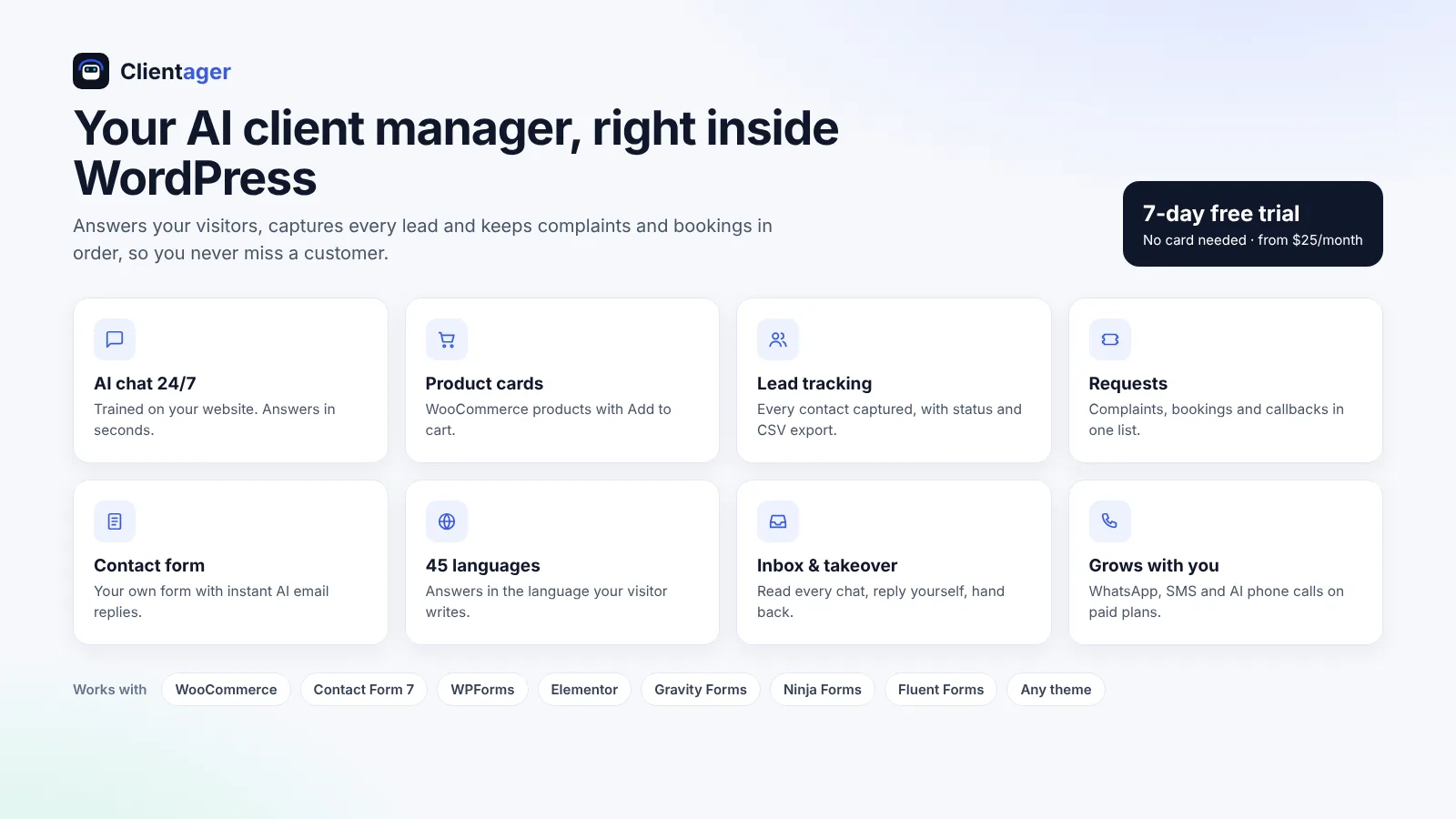
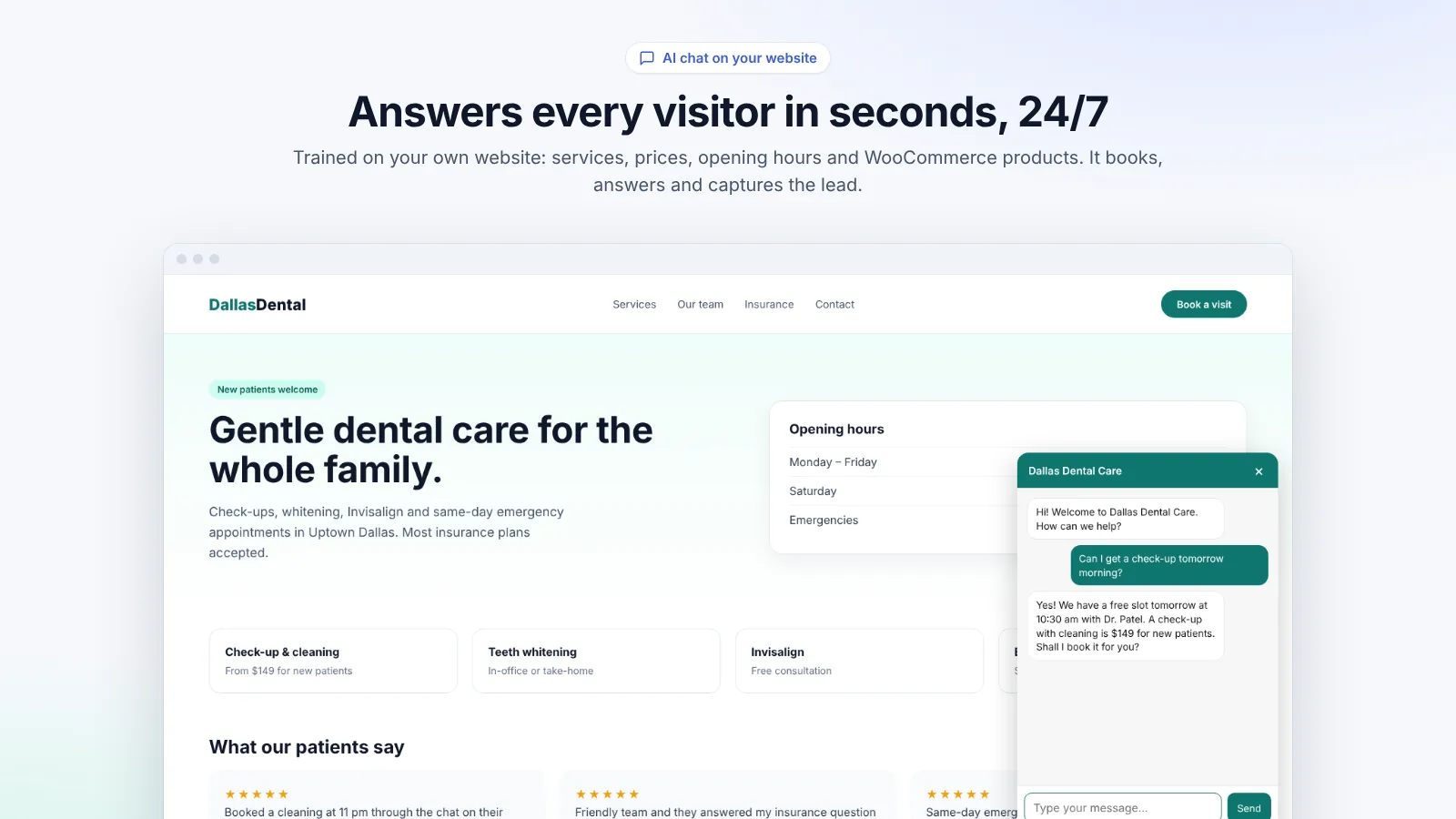
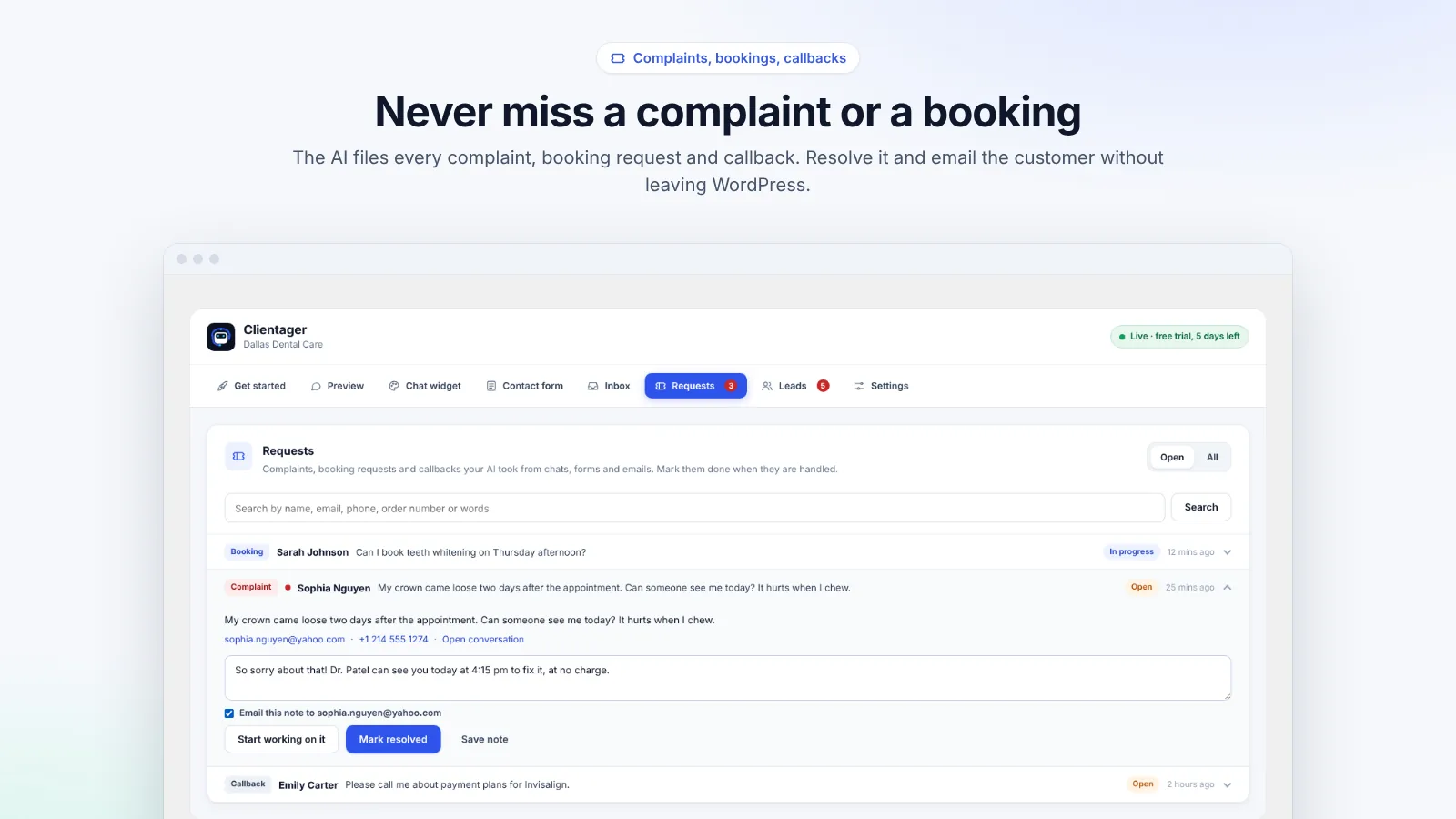
It learns your published pages, posts and WooCommerce products and quotes only from them. Set-up takes about five minutes with no code or keys. The AI is included in the plan (from $25 a month for 500 AI conversations and 500 AI emails), with a free preview and a 7-day trial without a card. It answers in 45 languages, captures leads with status and CSV export, logs complaints, bookings and callbacks as requests, and lets you take over any chat from WordPress. It updates itself a minute after you save, says it is an AI, and your data is never used to train AI models.
Try before you decide
The best test is your own questions. Install the plugin, let it learn your site and ask it the ten things customers ask most, in the Preview tab, before anyone sees it. If the answers are right, start the trial; if not, you have lost five minutes.
Frequently asked questions
Are free chatbot plugins good enough?
Many free plugins need your own AI API key, which you pay for separately, or only follow scripted answers. Compare the total monthly cost and the quality of answers on your own content.
How long does it take to test?
About five minutes to install and connect, then as long as you like in Preview with 25 free test messages.
Can I switch plans later?
Yes, upgrade or downgrade at any time from the plugin or the dashboard.
Where can I see prices?
On /pricing, including local prices for India and the Gulf.
More WordPress guides
Want this for your business?
Try it free for 7 days, no card needed: AI website chat, WhatsApp and email, trained on your own website. AI phone calls come with paid plans.