WordPress guide
A multilingual chatbot for WordPress in 45 languages
Visitors write in their language and get answers in it, from the content you already have.
Hear it now: call our AI on +1 209-209-4303
Free in the WordPress.org plugin directory. 7-day free trial, no card.
Quick answer
Can a WordPress chatbot answer in other languages?
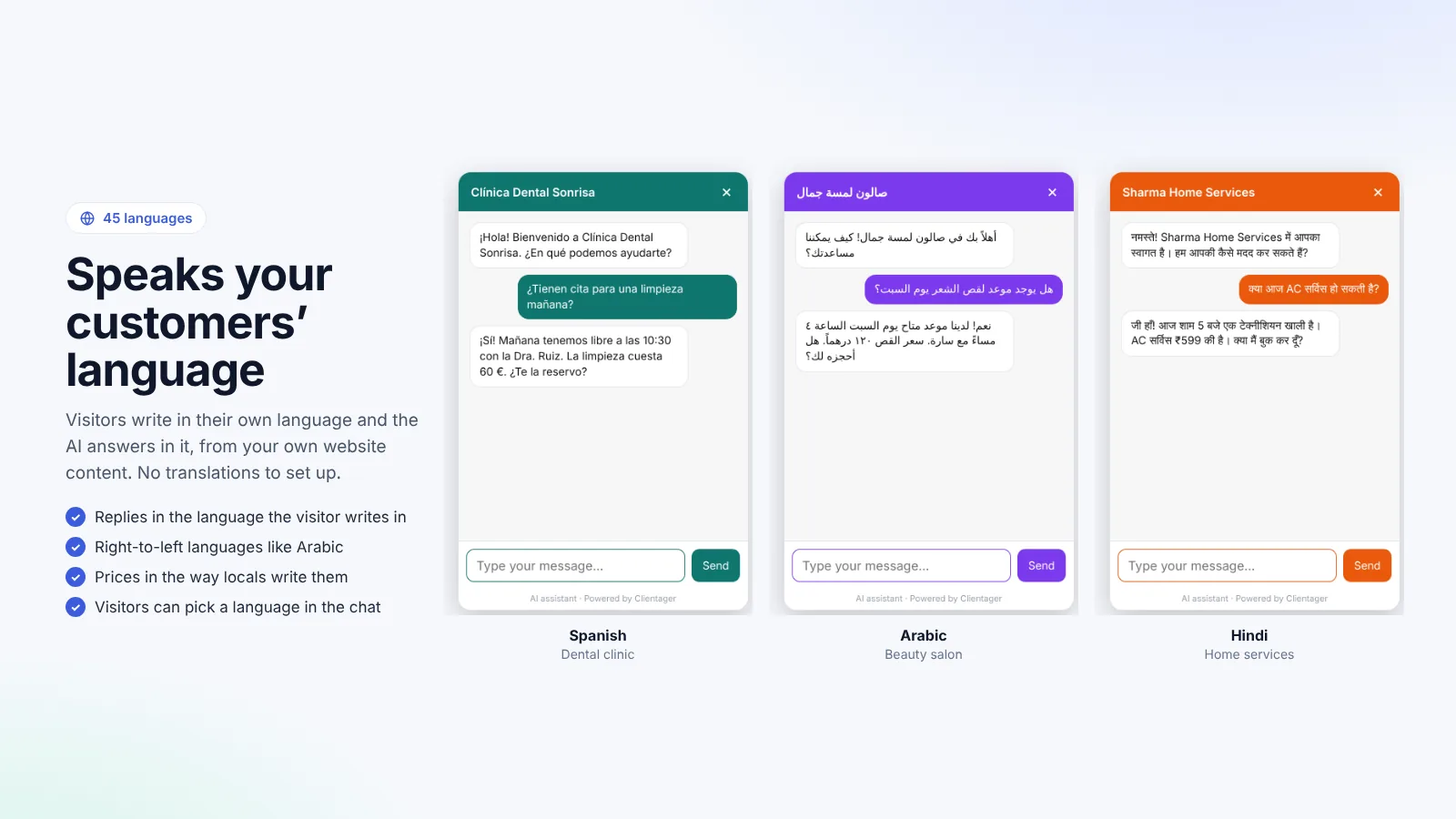
Yes. Clientager answers in 45 languages, including Arabic (with right-to-left layout), Hindi, Urdu, Spanish, French, German, Portuguese, Turkish and Chinese. It understands your content in one language and replies in the visitor's language, so you do not need translated pages. Visitors can also pick their language in the form before the chat.
How language works in the chat
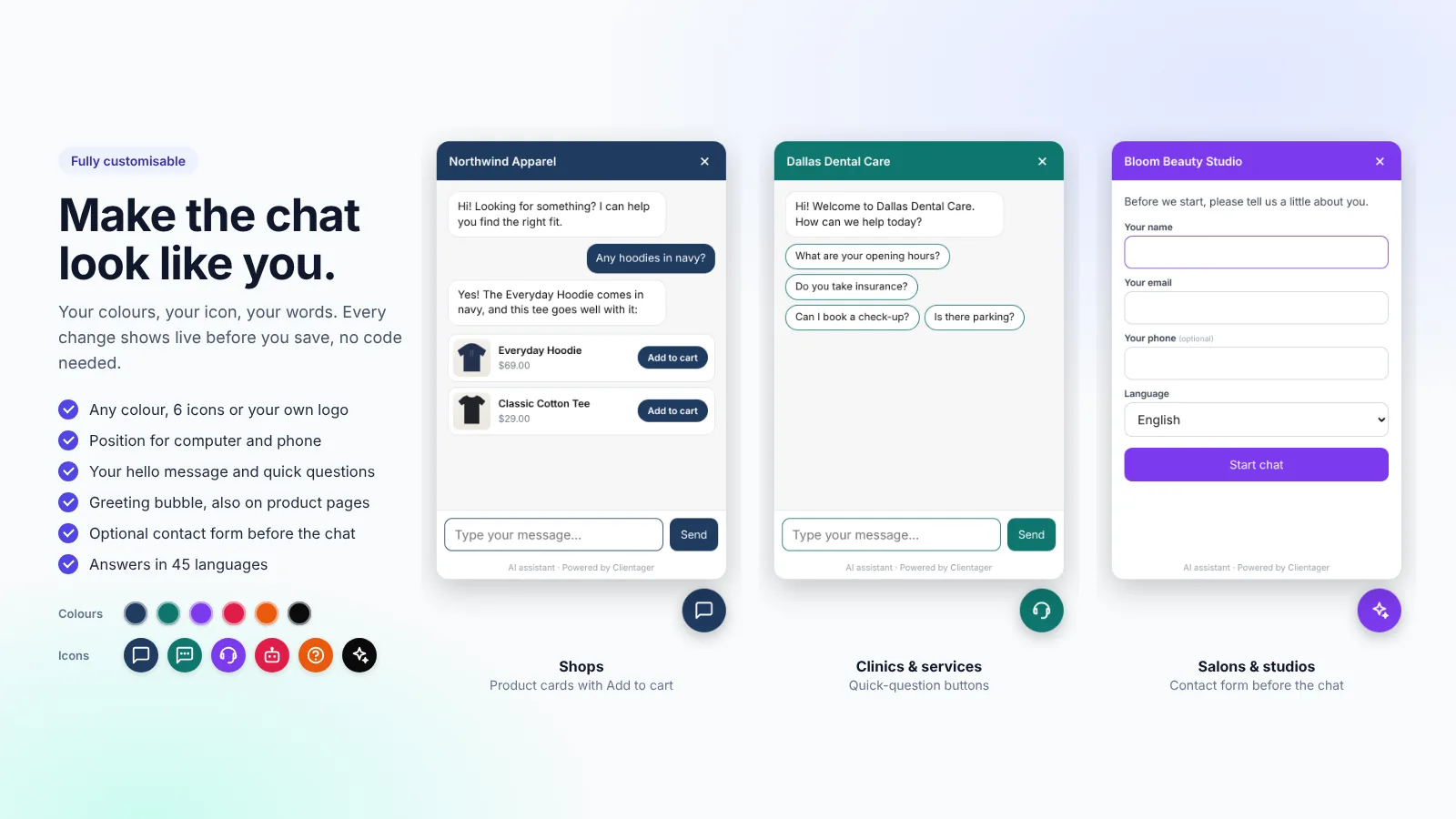
The AI replies in the language the visitor writes in. If you turn on the form before the chat, visitors can also choose their language up front, and the chat's own buttons and labels switch to it. Arabic and Urdu are shown right to left automatically.
Your content can stay in one language. The AI understands it and answers in the visitor's language, keeping prices, product names and policies exactly as you wrote them.
Who this helps most
Shops and services in the Gulf, where customers write in Arabic and English; Indian businesses whose customers mix Hindi and English; European sites with visitors from several countries; and tourism businesses that hear from guests worldwide. One chatbot covers them all, with no separate set-up per language.
- Arabic with right-to-left layout
- Hindi, Urdu, Bengali, Tamil and more
- Spanish, French, German, Italian, Portuguese, Dutch
- Turkish, Chinese, Japanese, Korean and others
Emails and forms in the same language
When a visitor writes to you through a form in their language, the instant AI email reply is written in that language too. Your team sees the original message and the reply in the Inbox and Leads tabs.
Frequently asked questions
Do I need a translation plugin?
No. The chat answers in the visitor's language from your existing content. A translation plugin is still useful for your pages themselves.
Which languages are supported?
45 languages. See /languages for the full list.
Does it cost more for other languages?
No. Every language is included in every plan.
Can visitors choose the language?
Yes, in the optional form before the chat. Otherwise the AI follows the language they write in.
More WordPress guides
Want this for your business?
Try it free for 7 days, no card needed: AI website chat, WhatsApp and email, trained on your own website. AI phone calls come with paid plans.