Shopify guide
Reduce cart abandonment with proactive AI chat on Shopify
Greet shoppers at the right moment, answer the question that stops them, and keep them buying.
Hear it now: call our AI on +1 209-209-4303
Coming soon to the Shopify App Store (in review). Ask for early access and we will set up your store.
Quick answer
How can chat reduce cart abandonment on Shopify?
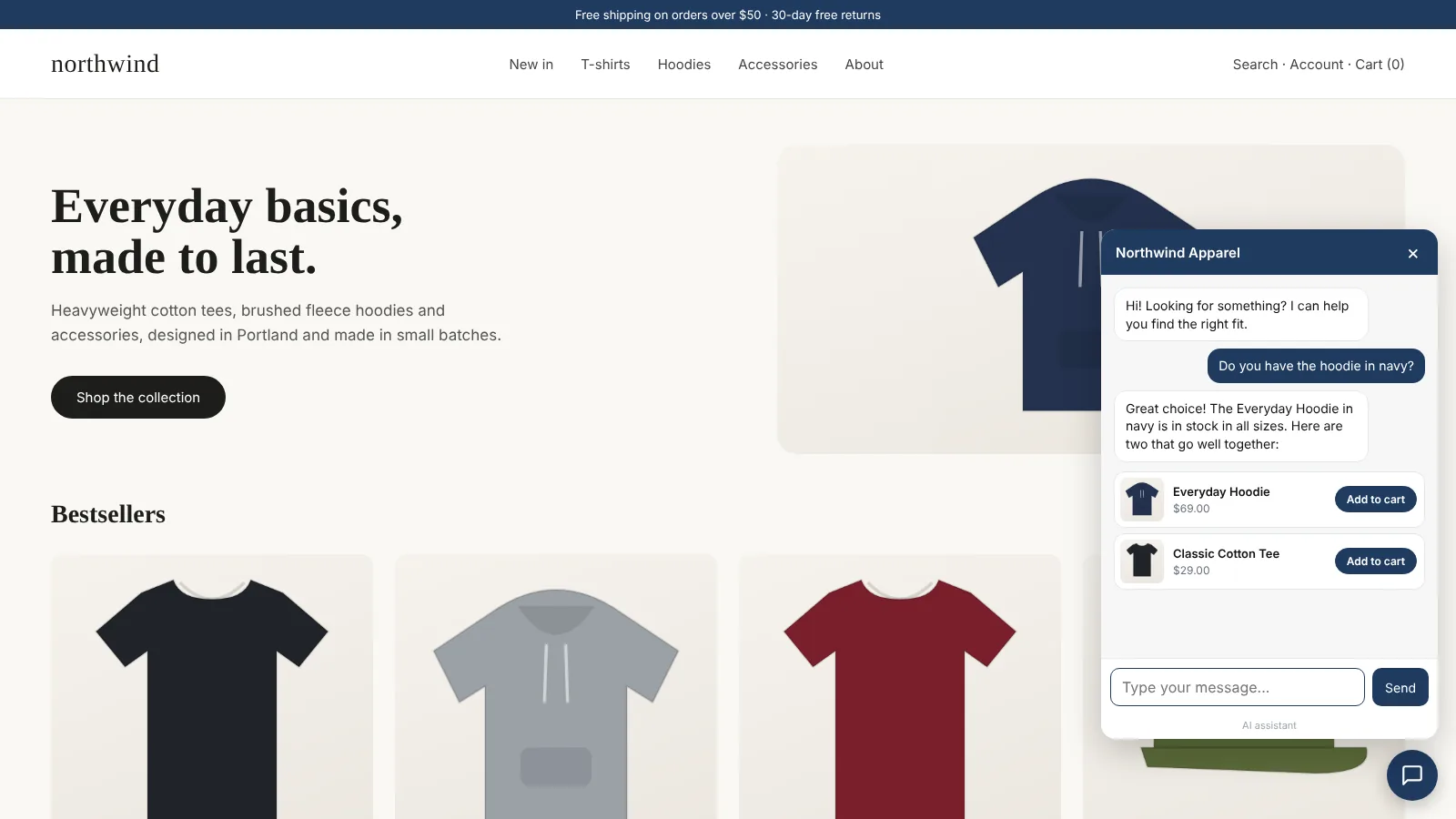
Most abandonment comes from an unanswered doubt: shipping cost, delivery time, sizing, returns. Clientager can greet shoppers with a short bubble, show a different message on product pages, and optionally pop the bubble up when a shopper on a computer is about to leave. When they ask, the AI answers instantly and can show products with Add to cart, so they keep going instead of leaving.
Why shoppers leave
Shoppers usually abandon because of a question, not a decision: what will shipping cost, will it arrive by Friday, what if it does not fit. If the answer takes effort to find, many simply close the tab.
Three proactive moments
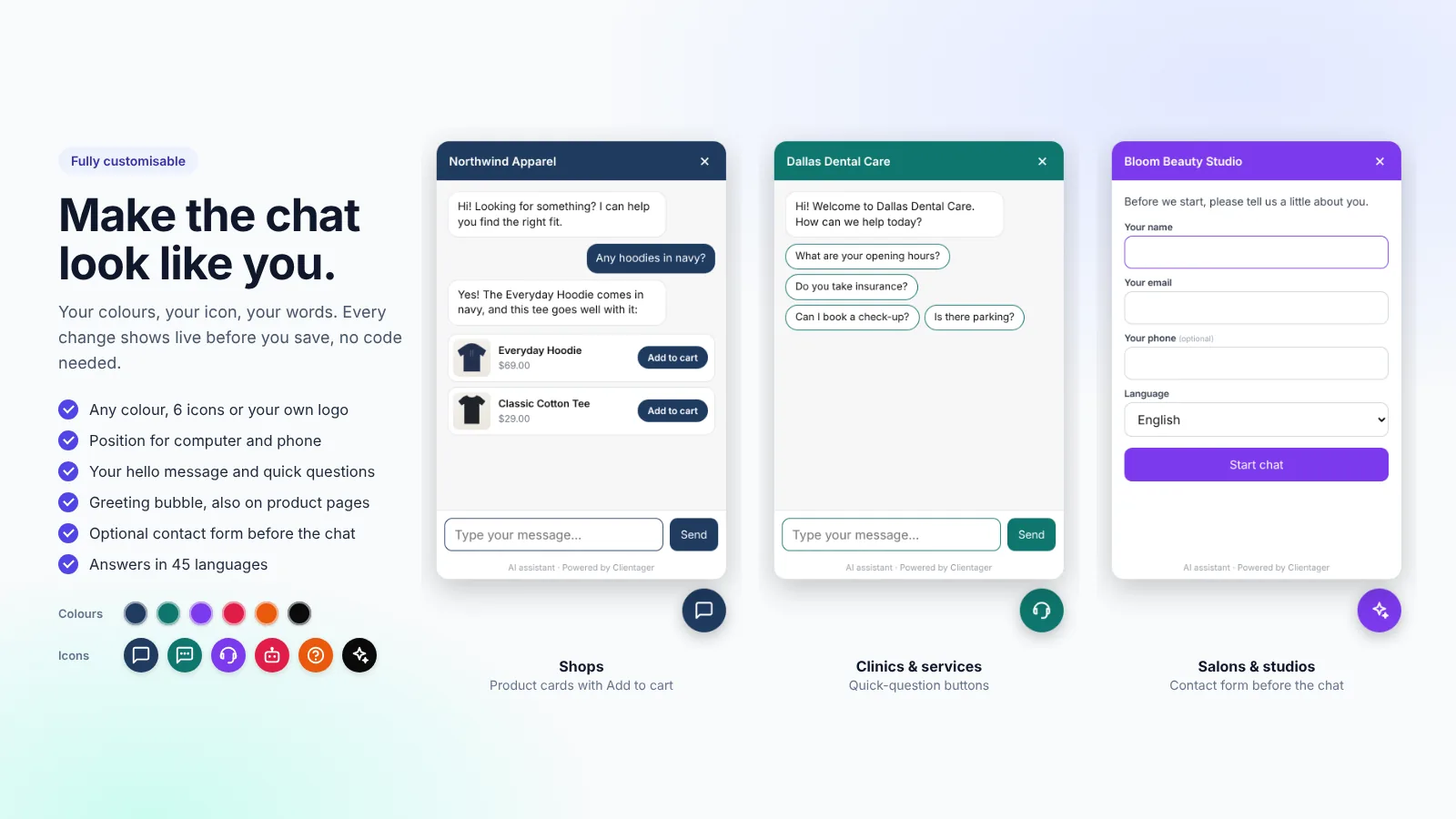
A greeting bubble a few seconds after the page opens, with your own text. A different greeting on product pages, such as "Questions about this product? Ask me." And, optionally, the bubble pops up when a shopper on a computer moves to leave. The bubble shows once per visit, never after the chat was opened, and everything is set in Chat widget.
The chat also knows which products the shopper looked at during the visit, so "help me choose" starts from those.
- Greeting bubble with your text
- Product-page greeting
- Exit-intent pop-up on computers (optional)
- Recently viewed products as context
Measure the result
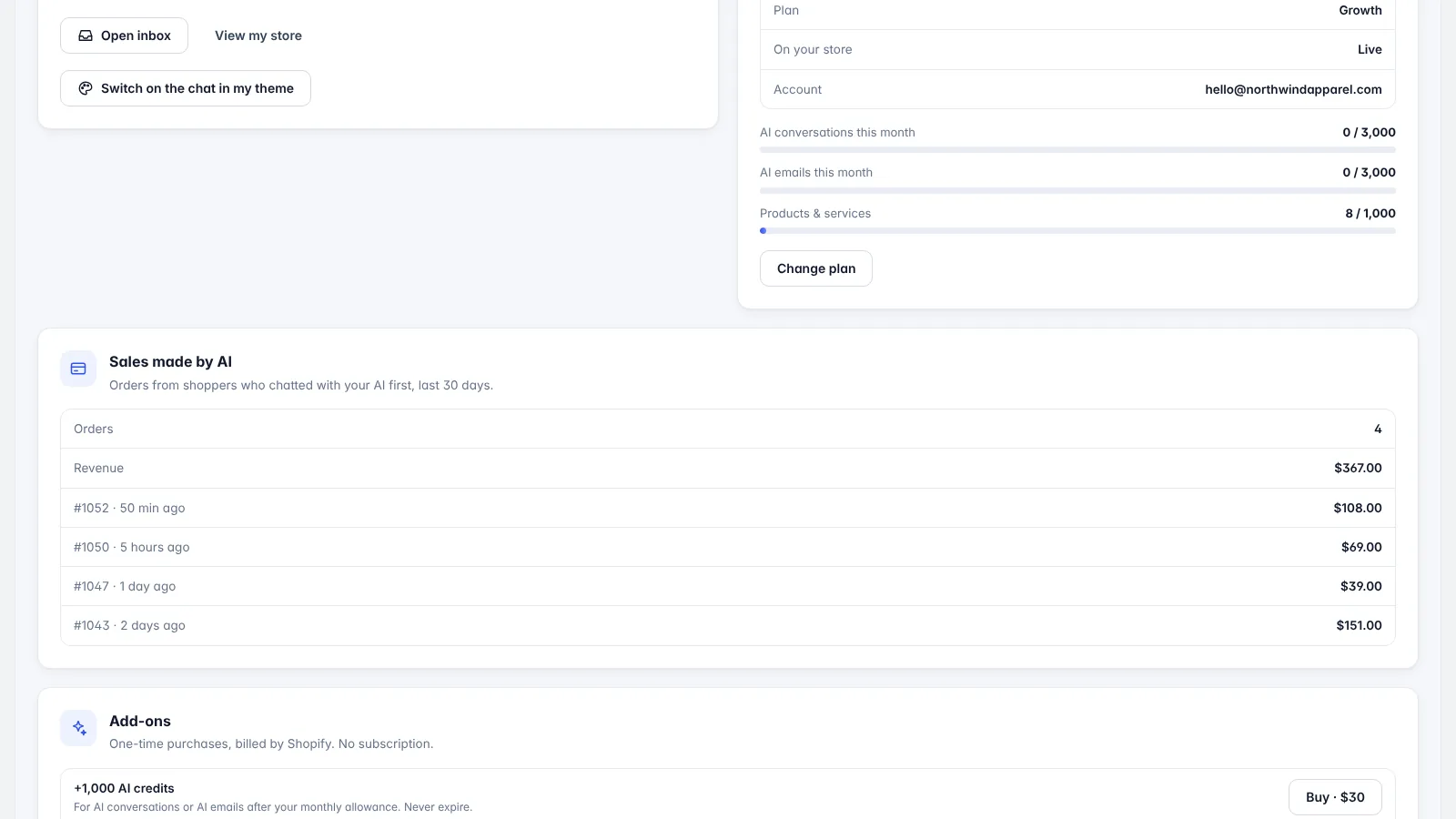
Sales made by AI shows orders and revenue from shoppers who chatted first, so you can see whether the chat lifts sales.
Frequently asked questions
Is the exit pop-up annoying?
The bubble shows at most once per visit, never after the chat was opened, and the exit trigger is optional; you write the text.
Does it work on mobile?
Yes. The greeting bubble and product-page greeting work on phones, with separate placement settings. The exit pop-up is for computers, where leaving can be detected.
Can it offer discount codes?
It shares what your store content says. For a code, put it on a page or policy the AI learns.
How do I know it helps?
Check Sales made by AI on the Get started screen.
More Shopify guides
Want this for your business?
Try it free for 7 days, no card needed: AI website chat, WhatsApp and email, trained on your own website. AI phone calls come with paid plans.